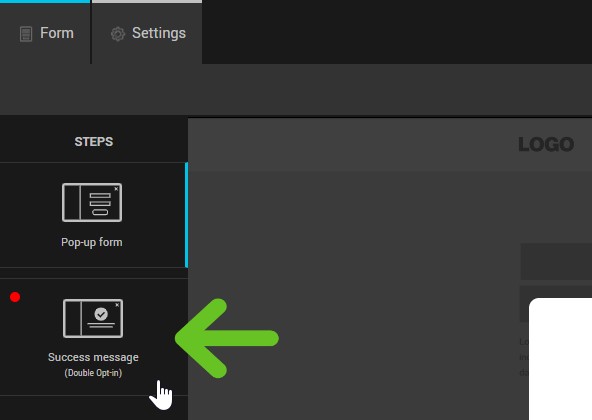
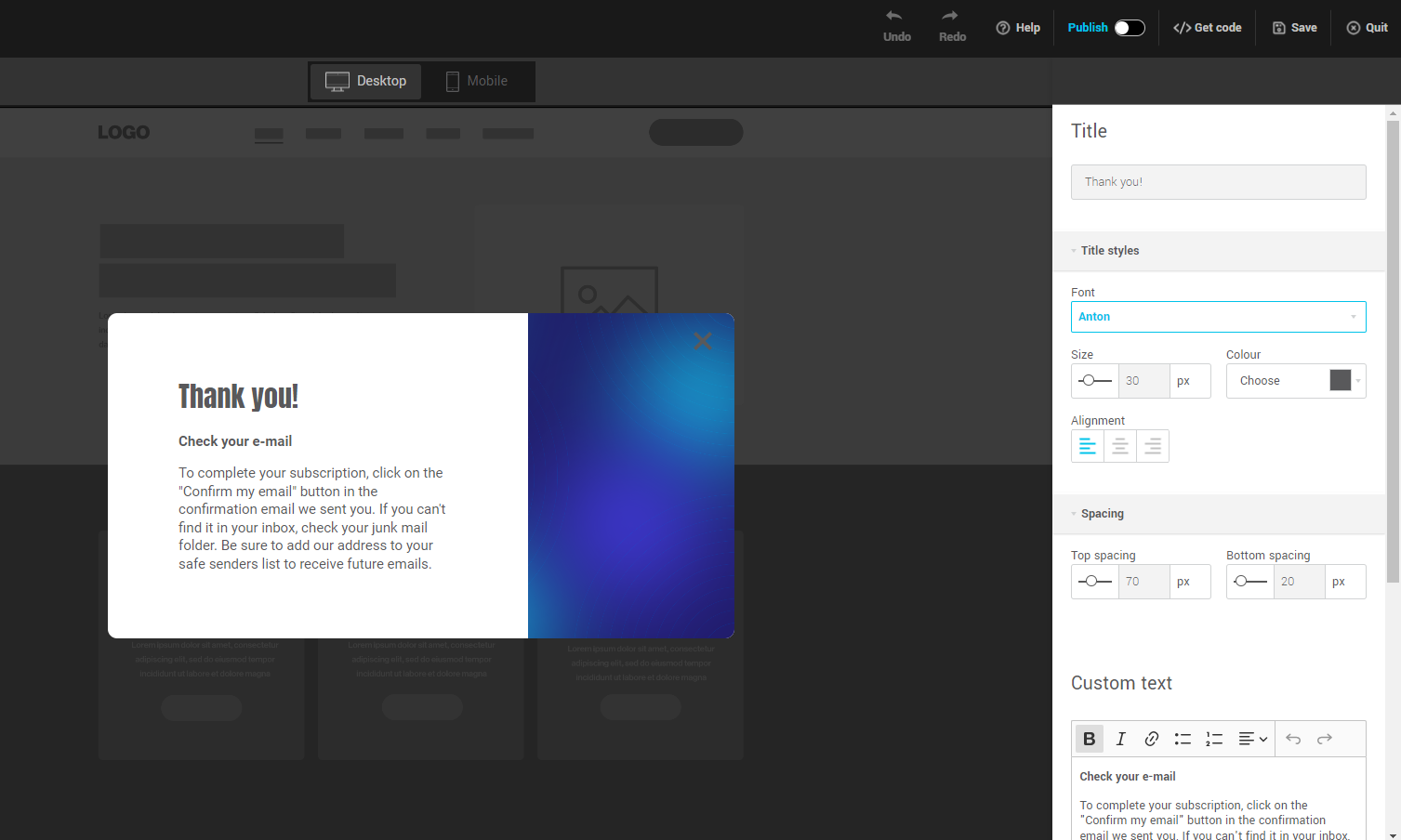
Once your future subscriber has completed and submitted your form, a success message will appear in the pop-up window. You can customize the text and appearance of this message.
To do this:
- Go to the Success message tab.
- On the side panel to your right, you can customize the title and text of the success message, as well as its style and the spacing around them.
See also:
- Create a pop-up form
- Customize the design and content of your pop-up form
- Customize your pop-up display options
- Publish / unpublish a pop-up form on your site
- Customize subscription confirmation emails (double opt-in)
- Add logo and color to default pages and emails
- Automatically send a welcome e-mail after registration